Lunch break in a busy corporate office, educational campus, or large-scale Manufacturing Unit / Plant usually brings a familiar operational bottleneck: long queues at the food counter, misplaced paper coupons, manual register entries, and end-of-month disputes between the HR department and the catering vendor.
When hundreds of staff members try to grab a meal inside a 45-minute window, manual cash handling and token registers slow everything down. Worse, organizations lose up to 15% to 22% of their annual food subsidy budget to "ghost meals," unauthorized coupon sharing, and unverified contractor invoices.
The solution does not require issuing a brand-new set of cards or rebuilding your cafeteria from scratch. By deploying an automated canteen management software, you can turn the existing RFID, MIFARE smart cards, or biometric credentials your workforce already uses at the main gate into a fast, cashless cafeteria billing system.
Why Traditional Canteen Tracking Fails Growing Organizations
Before looking at the hardware-software workflow, it helps to examine why conventional meal tracking breaks down as headcount scales:
Paper Coupons and Plastic Tokens: Printing, distributing, and counting physical tokens takes hours of administrative effort. Lost or duplicated tokens directly inflate vendor payouts.
Cash Handling Delays: Counting change at the food counter stretches transaction times to 30–45 seconds per person, cutting into employee break time.
Zero Attendance Validation: In manual setups, there is no real-time check to verify whether the person claiming a subsidized meal actually clocked into their shift that day.
Food Wastage vs. Shortages: Without pre-order forecasting or live consumption metrics, kitchen staff either over-prepare food or run out during peak shift handovers.
Manual Payroll Deductions: At month-end, HR and accounts teams must manually cross-reference canteen registers against shift schedules to calculate employee copays and employer subsidies.
How Automated Canteen Billing Works with Employee ID Cards: Step-by-Step
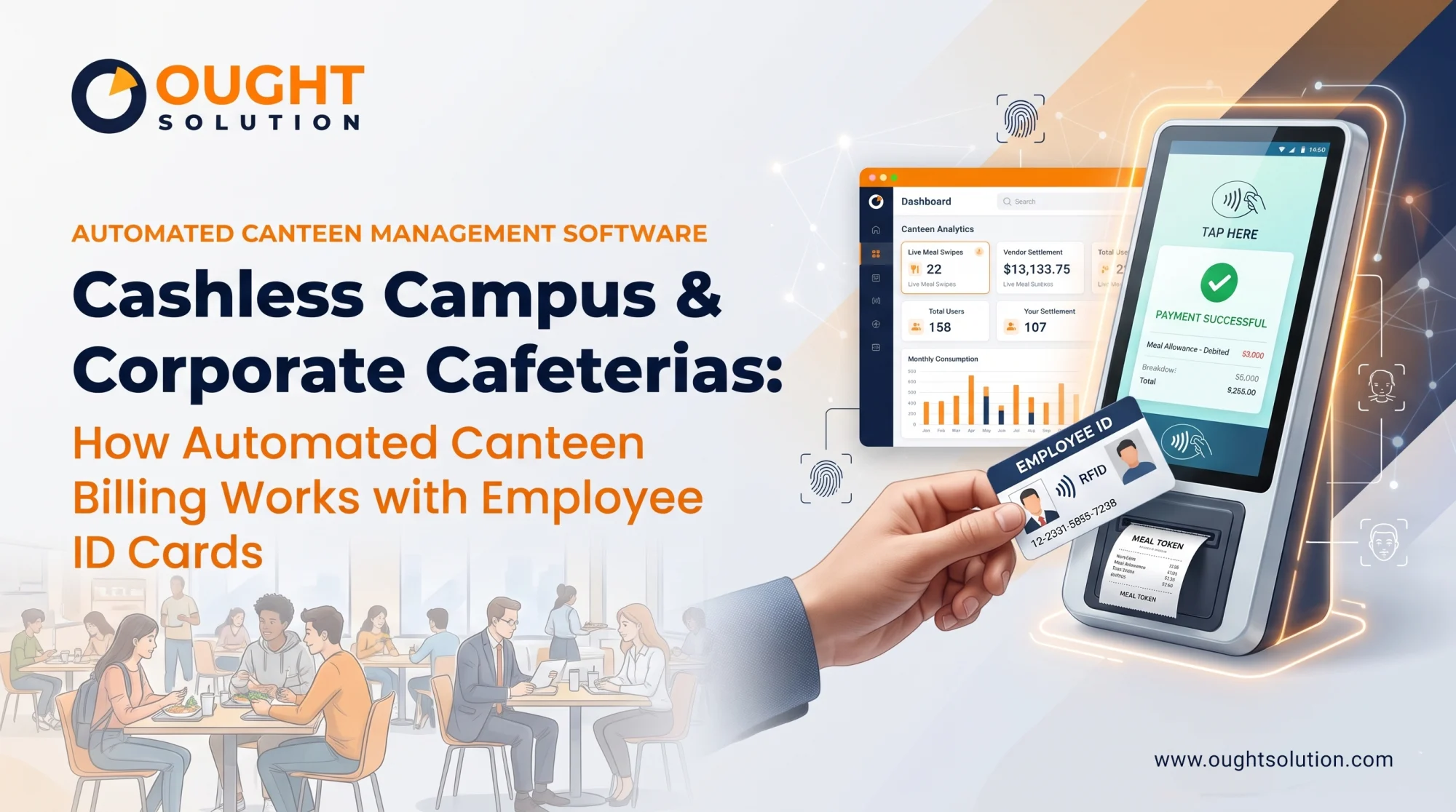
An automated canteen management software bridges your physical hardware controllers (RFID readers, smart card terminals, or biometric scanners) with a central database and thermal receipt printers. The entire transaction takes less than two seconds.
1. Single-Card Unified Authentication
Employees, students, or contract workers walk up to the cafeteria kiosk or POS terminal and tap their existing RFID Proximity (125 kHz) or MIFARE Smart Card (13.56 MHz) on the reader. For facilities that prefer cardless operations, face recognition or fingerprint terminals perform the exact same authentication.
2. Instant Rule & Eligibility Verification
The moment the card is tapped, the hardware controller communicates with the automated canteen management software server (hosted on-premises or on the cloud). Within milliseconds, the software checks four parameters:
Attendance Status: Did the employee punch in at the main entrance time-attendance terminal today?
Shift Schedule: Is this employee eligible for lunch during the current shift window (e.g., General Shift vs. Night Shift)?
Daily Quota: Has the user already claimed their allotted breakfast, lunch, or tea quota for the day?
Wallet Balance / Credit Limit: In prepaid or post-paid setups, does the cardholder have sufficient balance or payroll credit limit?
3. Menu Selection & Subsidy Split Calculation
Depending on how your cafeteria operates, the system supports two distinct billing modes:
Fixed Meal / Thali Mode (Tap-and-Go): For standardized shift meals (breakfast, lunch, dinner, midnight snacks), a single tap validates eligibility and immediately prints a kitchen token.
Itemized / A-La-Carte Mode: On a touchscreen POS or keypad controller, the user or counter operator selects specific items. The software automatically calculates the exact split—for example, applying a 70% company subsidy on the first meal while charging 100% of extra snacks to the employee's wallet.
4. Instant Token Printing & Kitchen Display
Once validated, an integrated high-speed thermal printer issues a dated, time-stamped food coupon with a unique transaction ID, or sends the order directly to a Kitchen Display System (KDS). Fraudulent reuse of paper slips is completely eliminated.
5. Automated Payroll & Vendor Reconciliation
Every swipe is logged in real time. At the end of the billing cycle, the software generates two clean data exports:
HR & Payroll Report: Exact employee-wise deduction amounts ready to import into your payroll or ERP software.
Catering Vendor Audit Report: Verified meal counts broken down by date, shift, and meal type, ensuring you only pay the caterer for meals actually consumed by authorized personnel.
Post-Paid Payroll Deduction vs. Prepaid Smart Card Wallets
Not every campus or facility handles food billing the same way. A custom automated canteen management software from Ought Solution can be configured for multiple wallet architectures simultaneously:
Post-Paid (Salary Deduction Model): Ideal for permanent corporate staff and on-roll employees. Employees swipe their ID cards throughout the month with zero upfront top-up, and their unsubsidized portion is automatically deducted from their monthly salary slip.
Prepaid (Cashless Campus Wallet): Ideal for universities, hostels, visitors, and contract laborers. Users top up their smart card balance via UPI, online payment gateways, or a cash-loading kiosk, and the exact meal value is deducted in real time at the reader.
Guest & Visitor QR Passes: Need to host clients, auditors, or temporary vendors? Admins can generate time-bound dynamic QR codes that allow guests to claim meals at the canteen terminal without issuing physical plastic cards.
The Hardware + Software Advantage: One Card for Your Entire Facility
One of the biggest financial leaks in facility digitization is buying isolated hardware from one vendor and incompatible software from another. When your access control hardware and canteen software speak the same language, you unlock true single-card convenience across the premises:
Main Gate & Turnstiles: Employee taps their card to log daily attendance and open the boom barrier or tripod turnstile.
Door Access Control: The same card grants role-based entry to server rooms, labs, or administrative floors.
Cafeteria & Tea Vending: The exact same UID on the card authorizes subsidized meals and beverage dispensing in the canteen.
At Ought Solution, we provide both the industrial-grade RFID/Biometric hardware controllers and custom-engineered automated canteen management software. Whether your site runs in a multi-story corporate IT park or a remote Manufacturing Unit / Plant with intermittent internet connectivity, our hybrid offline-sync controllers store transactions locally and push data to the central server the moment connectivity resumes.
Key Features to Look for in an Automated Canteen Management Software
When evaluating a system for your organization, make sure the platform covers these essential operational capabilities:
Multi-Canteen & Multi-Vendor Support: Manage separate contractors, pricing tiers, and menus across multiple cafeteria locations or branch offices from one admin dashboard.
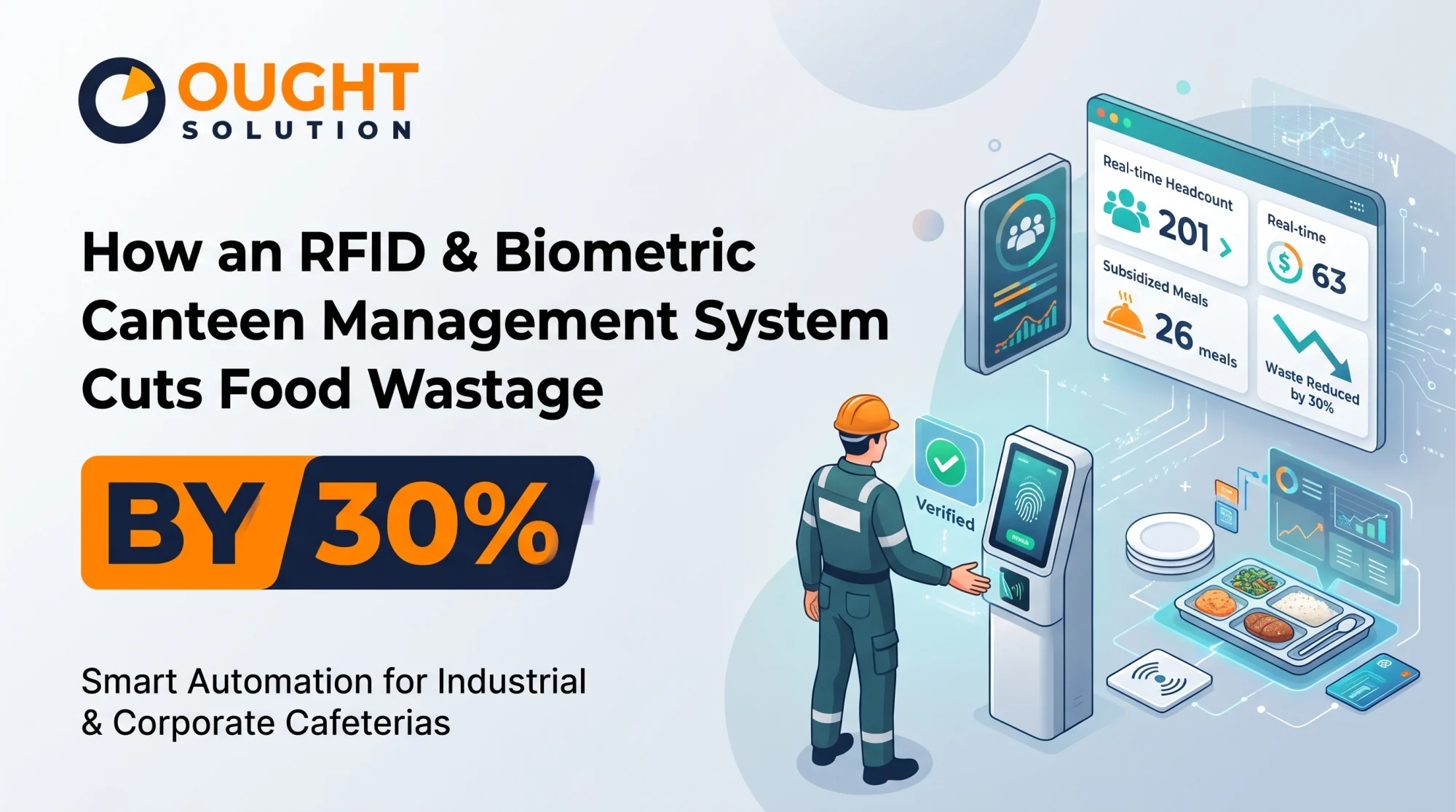
Pre-Booking & Meal Forecasting: Allow employees to pre-book meals via a web portal, mobile app, or kiosk the day before, helping caterers cut food waste by up to 30%.
Grade & Department-Wise Subsidy Rules: Set custom pricing matrices for executives, staff, apprentices, and third-party contract workers.
Hardware-Agnostic Integration: Seamless compatibility with RFID readers, MIFARE smart card encoders, biometric fingerprint scanners, face recognition terminals, and barcode/QR scanners.
Real-Time Analytics & GST Billing: Track peak-hour footfall, most-ordered items, tax breakdowns, and daily subsidy expenditure at a glance.
Ready to Automate Your Cafeteria Operations?
Stop losing time and budget to manual coupon counting and vendor billing discrepancies. Whether you need a standalone smart-card POS terminal with integrated thermal printing or a complete multi-location automated canteen management software linked to your attendance hardware, Ought Solution builds and deploys end-to-end systems tailored to your workflow.
Contact Ought Solution Today for a Free Live Demo & Hardware Consultation
Ought Solution Admin is the technical editorial and solutions architecture desk at Ought Solution, a global B2B IT consulting, custom ERP software, and biometric hardware integration firm. Drawing from hands-on deployments across Manufacturing Units / Plants, healthcare diagnostics, educational campuses, and corporate…