
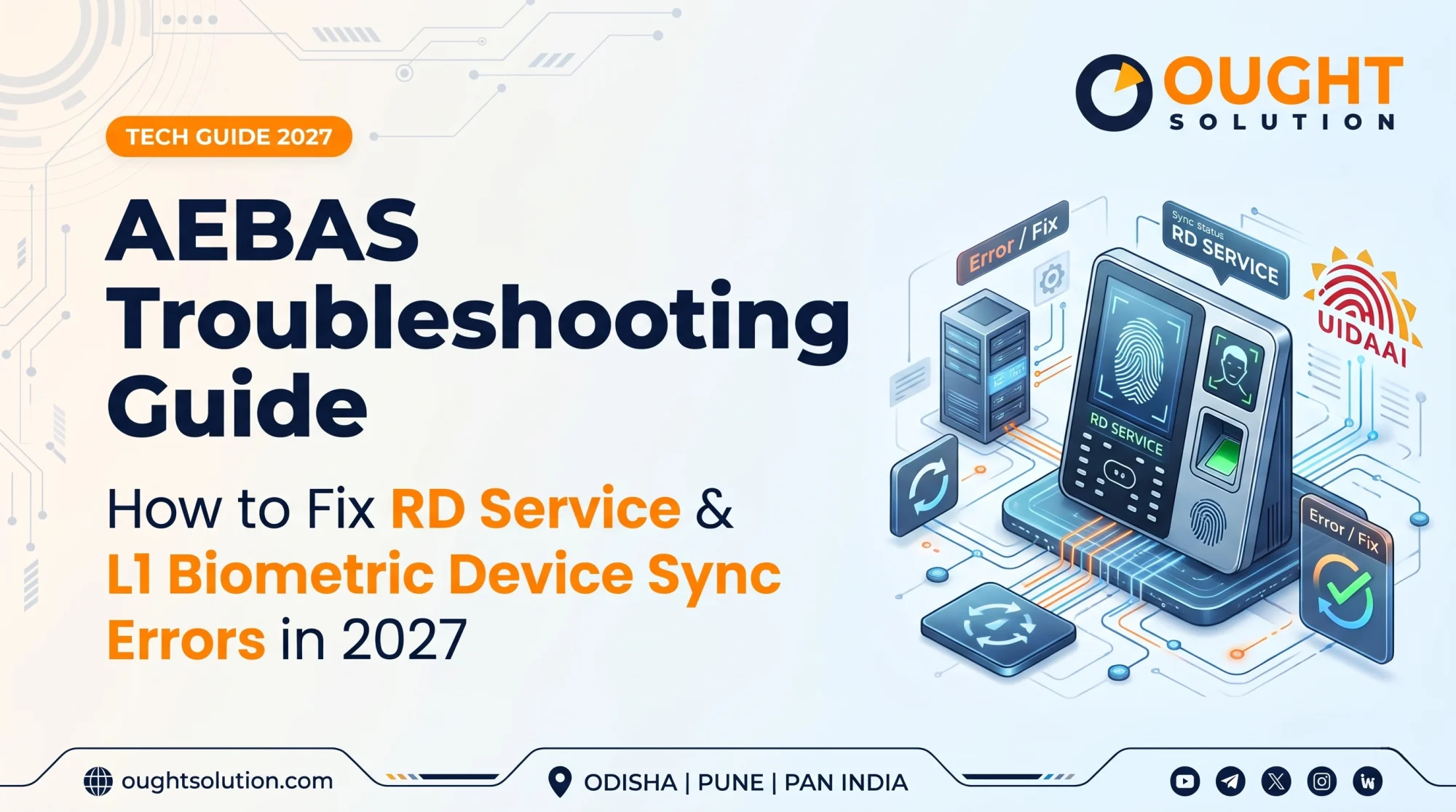
Since UIDAI mandated the transition from L0 to L1 Registered Devices for the Aadhaar Enabled Biometric Attendance System (AEBAS), government departments, educational institutions, and corporate offices across India have faced a surge in device synchronization and Registered Device (RD) Service errors.
When an attendance terminal goes offline at 9:30 AM, it creates long queues, payroll discrepancies, and compliance headaches for system administrators. At Ought Solution, our hardware engineering teams in Cuttack (Odisha) and Pune (Maharashtra) resolve hundreds of biometric deployment issues every month. Below is our field-tested troubleshooting guide to diagnose and fix the most common AEBAS and L1 RD Service errors without waiting days for manufacturer support.
1. Understanding Why Your AEBAS Device Fails to Sync
Most AEBAS failures happen at one of three checkpoints:
Hardware-to-Host Communication: Damaged OTG cables, underpowered USB hubs, or outdated Android firmware on wall-mounted tablets.
RD Service Layer: Expired device whitelisting, outdated L1 RD Service apps, or corrupted local security certificates.
Network & Server Sync: Firewall blocks on UIDAI/NIC ports, incorrect system date/time (NTP drift), or DNS resolution failures.
2. Top 5 AEBAS & L1 RD Service Errors (And How to Fix Them)
Error 1: "RD Service Not Ready" or "Device Not Registered"
This is the most frequent popup on Mantra, Morpho (IDEMIA), Startek, and Precision L1 scanners.
Check L0 vs. L1 Deprecation: Verify your scanner model on the back label. If you are using an older L0 model (such as Mantra MFS100 v54 without L1 certification), UIDAI servers now block authentication requests. You must upgrade to a UIDAI-certified L1 scanner (e.g., Mantra MFS110 L1 or Morpho MSO 1300 E3 L1).
Restart the RD Service: On Android attendance terminals, go to Settings - Apps, locate your manufacturer's L1 RD Service app, tap Force Stop, clear the Cache (do not clear data unless re-registering), and reopen the app to force a fresh telemetry handshake with the management server.
On Windows PCs: Press
Win + R, typeservices.msc, locate your scanner's RD Service in the list, right-click it, and select Restart.
Error 2: "Error Code 999 / Invalid Telemetry or Encryption Failure"
L1 devices encrypt biometric data directly inside the hardware sensor before it reaches the host device.
Sync Your System Clock (Critical Fix): UIDAI L1 encryption relies on strict timestamp validation. If your tablet or PC clock is off by even two minutes, the server rejects the packet. Enable Automatic Date & Time (Network-provided time) in your device settings and ensure the time zone is set to GMT+05:30 (Indian Standard Time).
Update the AEBAS Client App: Ensure your NIC AEBAS Attendance application is updated to the latest version compatible with L1 cryptographic keys.
Error 3: "Biometric Capture Timeout" or High False Rejection Rate (FRR)
If employees have to press their thumb five times or failed scans spike during monsoon or winter seasons, the issue is usually physical or environmental.
Clean the Prism Correctly: Dust, sweat, and sanitizer residue cloud optical and capacitive sensors. Wipe the scanner platen gently with a microfiber cloth lightly dampened with isopropyl alcohol—never spray liquid directly onto the unit.
Switch to Multi-Modal or Facial AEBAS: In industrial setups, construction sites, or healthcare facilities where workers' fingerprints are worn down, fingerprint-only scanners will always struggle. Upgrading to Aadhaar-compliant Face Attendance terminals eliminates physical contact issues entirely.
Error 4: Attendance Marked Locally, But Not Reflecting on the Central Portal
When the device beeps "Thank You" but the online dashboard shows the employee absent, your terminal is stuck in offline caching mode.
Check Port & Firewall Whitelisting: Corporate and government networks often block outbound traffic. Ask your network administrator to ensure ports 443 (HTTPS) and 8080 are open for
*.attendance.gov.inand your RD vendor's management URLs.Clear Stuck Sync Queues: Open the AEBAS application dashboard, check the Pending Records counter, and trigger a Manual Sync over a stable broadband or 4G hotspot connection to flush stuck packets.
Error 5: Frequent USB Disconnections on Wall-Mounted Tablets
Wall-mounted tablet enclosures run 24/7, leading to heat buildup and loose OTG joints.
Replace Standard OTG Cables: Cheap micro-USB or Type-C OTG adapters lose tension within three months. Use industrial-grade, moulded right-angle OTG cables or opt for integrated all-in-one AEBAS rugged terminals with internal wiring.
3. Preventive Maintenance Checklist for Office Admins
To prevent Monday-morning attendance breakdowns, run this 5-minute check on the 1st of every month:
Verify RD Validity: Check your device serial numbers in your vendor portal at least 30 days before annual RD subscription renewal dates.
Inspect Power Adapters: Voltage fluctuations damage biometric motherboards. Always connect wall-mounted attendance machines and access controllers to a dedicated 12V DC UPS backup.
Audit App Permissions: After Android OS updates, verify that USB debugging/OTG permissions and battery optimization exemptions ("Unrestricted battery usage") remain enabled for both the RD Service and AEBAS apps.
4. Need Immediate AEBAS Hardware Upgrade or Support in Odisha & Pune?
Whether you are a government office replacing legacy L0 scanners with UIDAI-certified L1 devices, a factory looking to deploy rugged facial recognition attendance systems, or a corporate office needing seamless HRMS and payroll software integration, Ought Solution delivers end-to-end reliability.
Why Partner with Ought Solution?
Authorized L1 Hardware Supply: Ready stock of UIDAI-approved L1 fingerprint sensors, iris scanners, and integrated wall terminals.
Custom HRMS & ERP Integration: Our software team connects your biometric hardware directly to your leave, shift, and payroll software via custom APIs.
Fast Local On-Site Support: Dedicated service engineers stationed in Cuttack/Bhubaneswar (Odisha) and Pune (Maharashtra) for rapid installation, AMC, and emergency troubleshooting.
Ready to eliminate attendance downtime? Contact Ought Solution today for a free hardware audit or instant bulk pricing on L1 biometric systems.
Ought Solution Admin is the technical editorial and solutions architecture desk at Ought Solution, a global B2B IT consulting, custom ERP software, and biometric hardware integration firm. Drawing from hands-on deployments across Manufacturing Units / Plants, healthcare diagnostics, educational campuses, and corporate…